Collapse nodes at overview zoom
See compact status cards when you zoom out, then zoom back in for full node surfaces.
Updated 1 min read
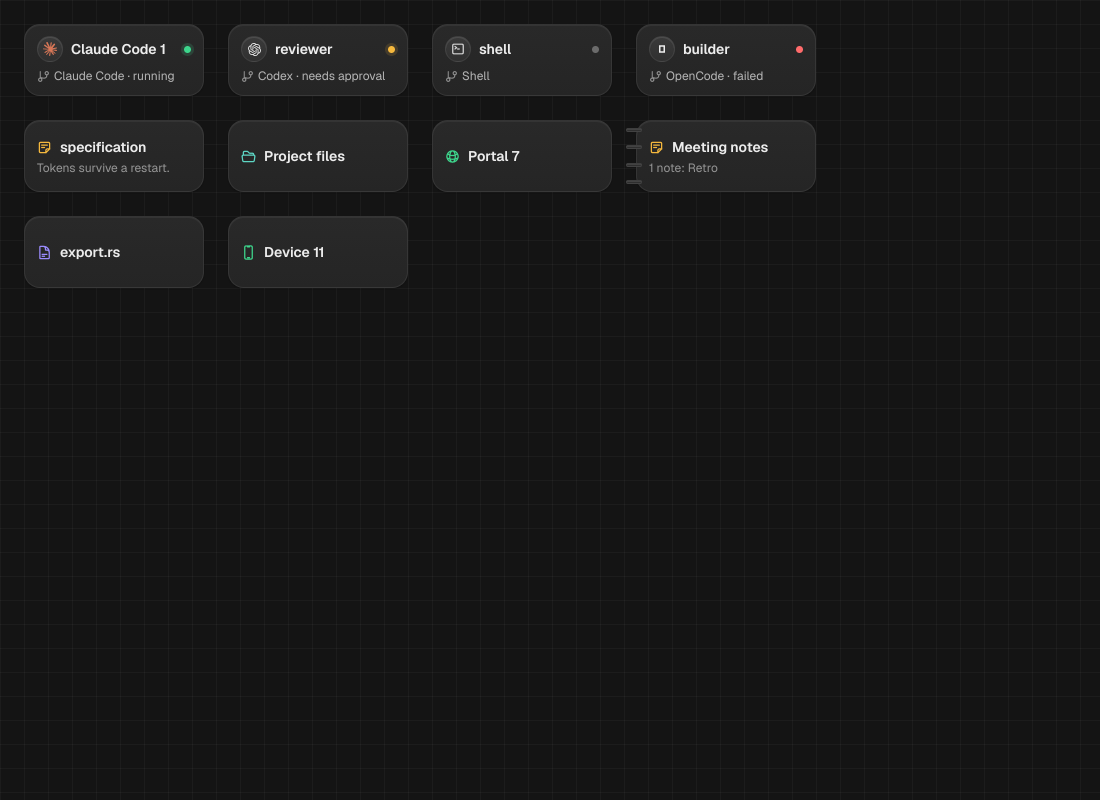
At overview zoom, MAO replaces detailed node surfaces with compact cards. Zoom in again to return to the full nodes.
Switch between overview and full nodes
- Zoom out until node surfaces collapse into compact cards.
- Read each card’s identity and status while you scan the layout.
- Zoom back in to reopen the detailed node surfaces.
LimitThe collapse and reopen thresholds are separated to keep cards from flickering as you zoom. Browser and device streams stop when their nodes are collapsed or not painted.
Something missing or wrong? Ask in the Discord or write to hello@miguer.com.