Jump along connections or attention
Move between connected nodes or jump to the next agent that needs attention.
Updated 1 min read
Use keyboard shortcuts or palette actions to move between connected nodes and agents that need attention.
Jump between connected nodes
- Select a node with at least one connection.
- Press Ctrl + ] or Ctrl + [ on Windows or Linux. On macOS, use Cmd with the bracket key.
- You can also choose Next connected or Previous connected from the command palette.
Jump to attention
- Press Ctrl + Shift + . on Windows/Linux or Cmd + Shift + . on macOS to jump to the next agent that needs attention.
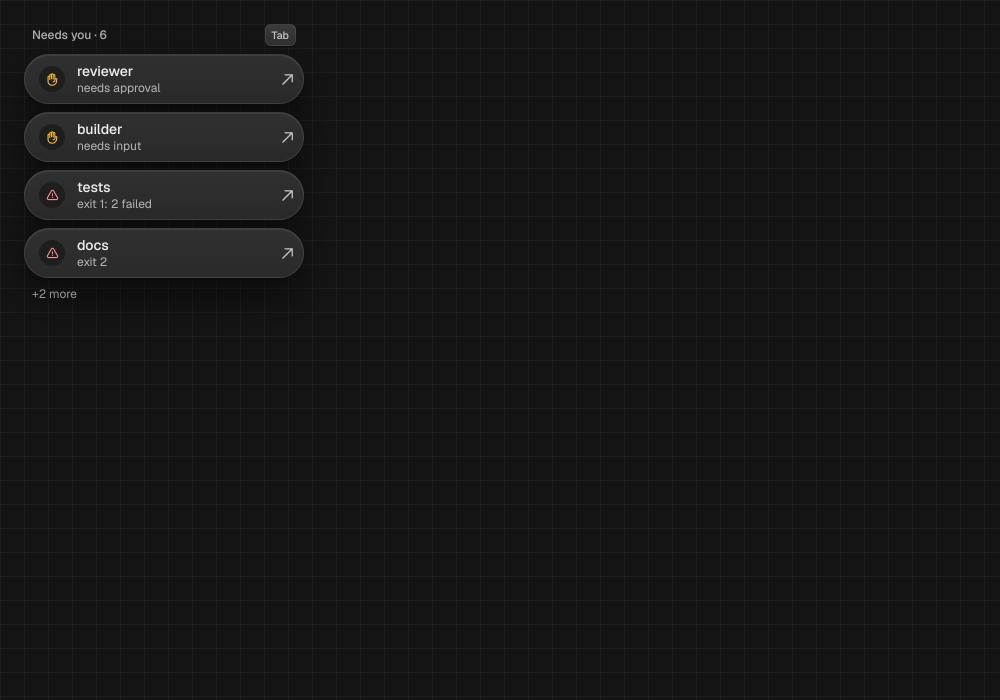
- You can also choose Jump to next attention in the palette, or press Tab while the attention rail has canvas focus.
LimitConnected-node jumps need a selected wired node. Attention jumps wrap across the open canvas family; Tab cycles only the current canvas attention rail.
Something missing or wrong? Ask in the Discord or write to hello@miguer.com.