Browse terminal scrollback
Move through recent terminal output, including the output left after a process exits.
Updated 1 min read
Scroll through a terminal’s recent output to review earlier commands or results. A terminal keeps a smaller history after its process exits.
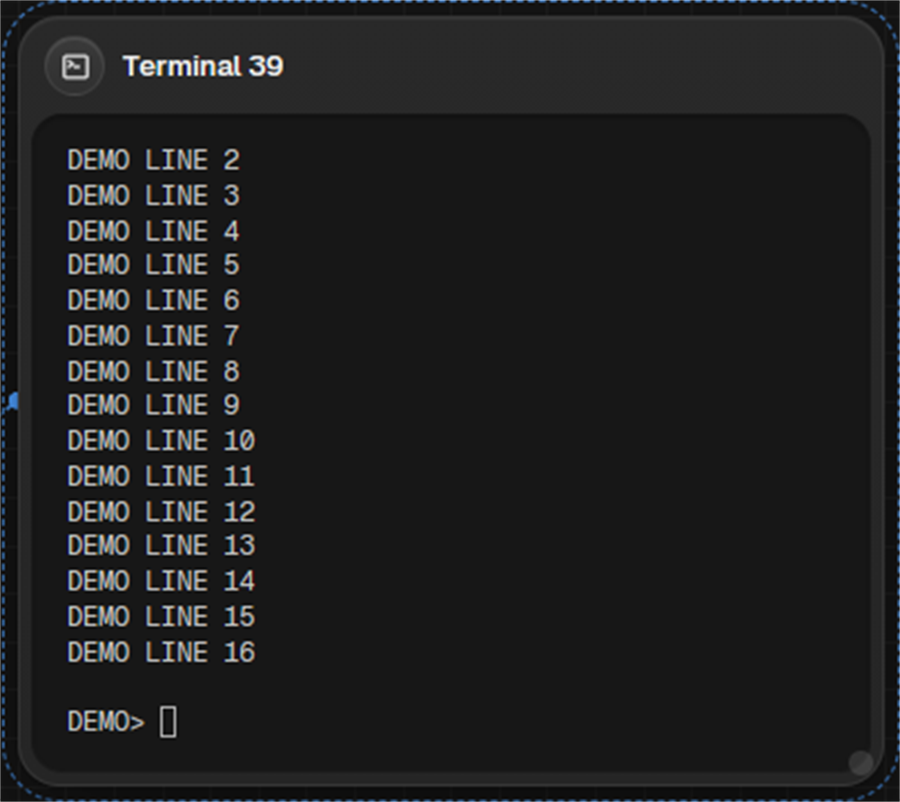
Browse output
- Scroll inside the terminal to move through its output.
- Press Shift + PageUp or PageDown to move by a page.
- Press Shift + Home or End to jump to an end of the scrollback. On macOS, use Cmd instead of Shift.
LimitA running terminal keeps 10,000 lines. After the process exits, it keeps 1,000 lines.
Something missing or wrong? Ask in the Discord or write to hello@miguer.com.