Receive attention notifications
Notice when an unselected terminal needs your attention.
Updated 1 min read
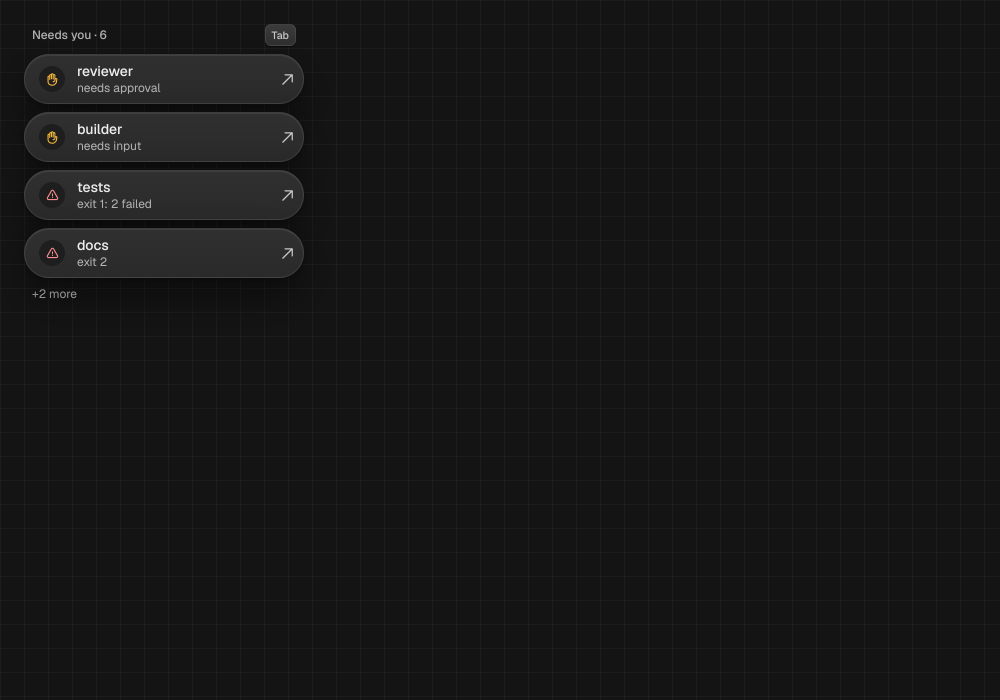
When an unselected terminal raises a new attention reason, MAO can send a short desktop notification. The canvas also marks the terminal so you can return to it.
Respond to terminal attention
- Open the marked terminal on the canvas and acknowledge its attention.
- To ask an agent to send a notification, enable Allow agents to notify you in Settings and use the agent’s notification command.
LimitNotifications show the node title and a fixed reason label, never terminal output. Missing notification tooling is ignored; agent notifications are off by default and unavailable on Windows.
Something missing or wrong? Ask in the Discord or write to hello@miguer.com.