Check for and install updates
Check for a stable MAO release, read release notes, and restart to install an update.
Updated 1 min read
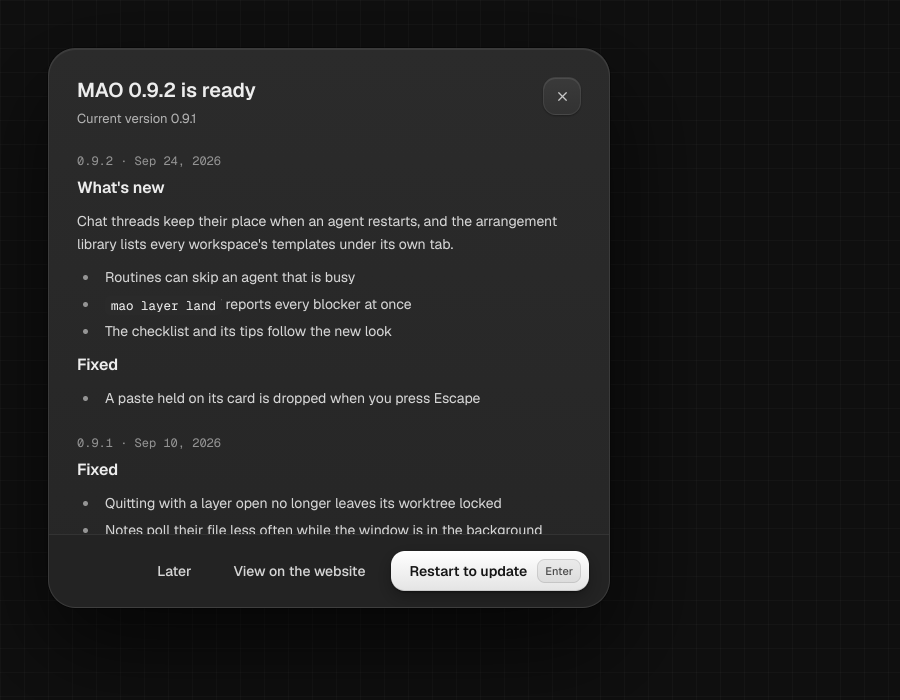
MAO can check for a stable release and download an update. You can choose whether it checks automatically when the app launches.
Check and install
- Open Settings.
- Turn on Automatic update check if you want MAO to check at launch.
- Choose Check for updates to check now, or Release notes to read about a release.
- When an update is ready, download it and choose Restart to install.
NoteLaunch checks run quietly. If a check fails, choose Retry.
LimitManual update checks require a licensed account and are unavailable during the trial.
Something missing or wrong? Ask in the Discord or write to hello@miguer.com.