Compare unified and split diffs
Choose a side-by-side or unified view for a Git diff.
Updated 1 min read
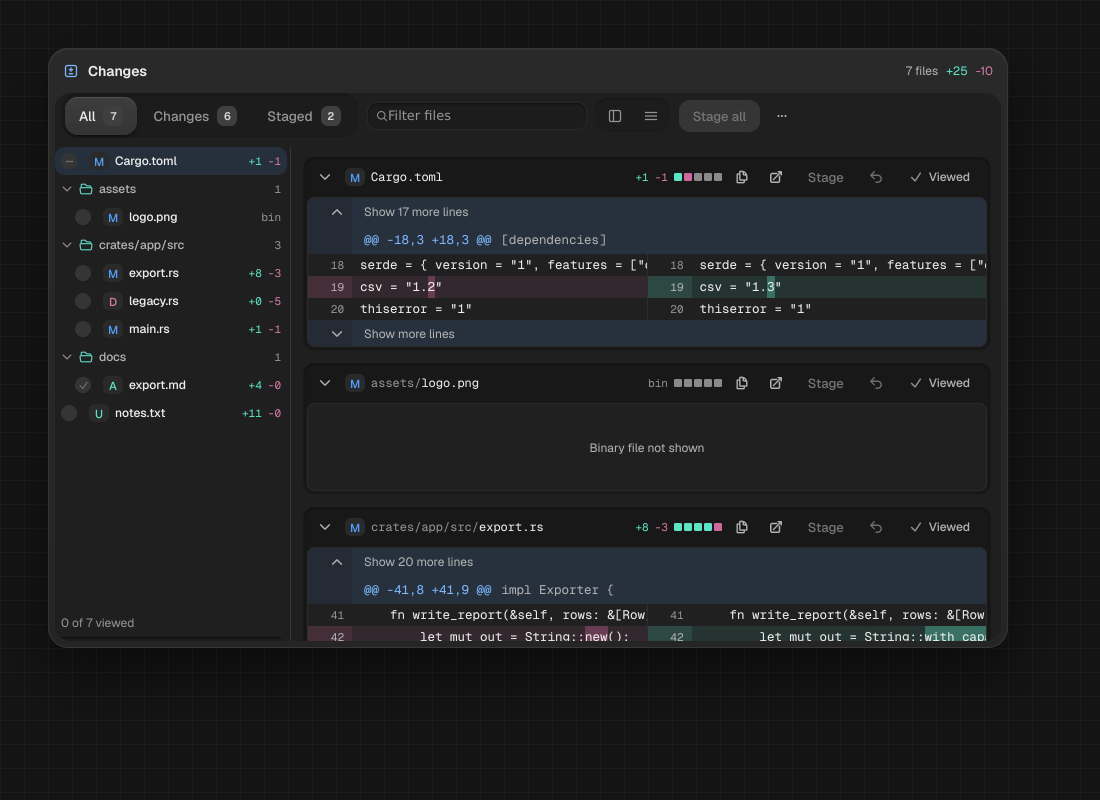
The changes view can display a diff side by side or as one unified column. The layout adapts to the available width.
Change the diff layout
- Open Git repository status and select a changed file.
- Use the Split or Unified toolbar toggle.
- In a narrow node, choose Files to show the hidden file tree.
NoteMAO adapts the layout to the node width; narrow views hide the file tree behind Files.
Something missing or wrong? Ask in the Discord or write to hello@miguer.com.