Control an Android device portal
Connect an Android emulator or attached device and interact with it from the canvas.
Updated 1 min read
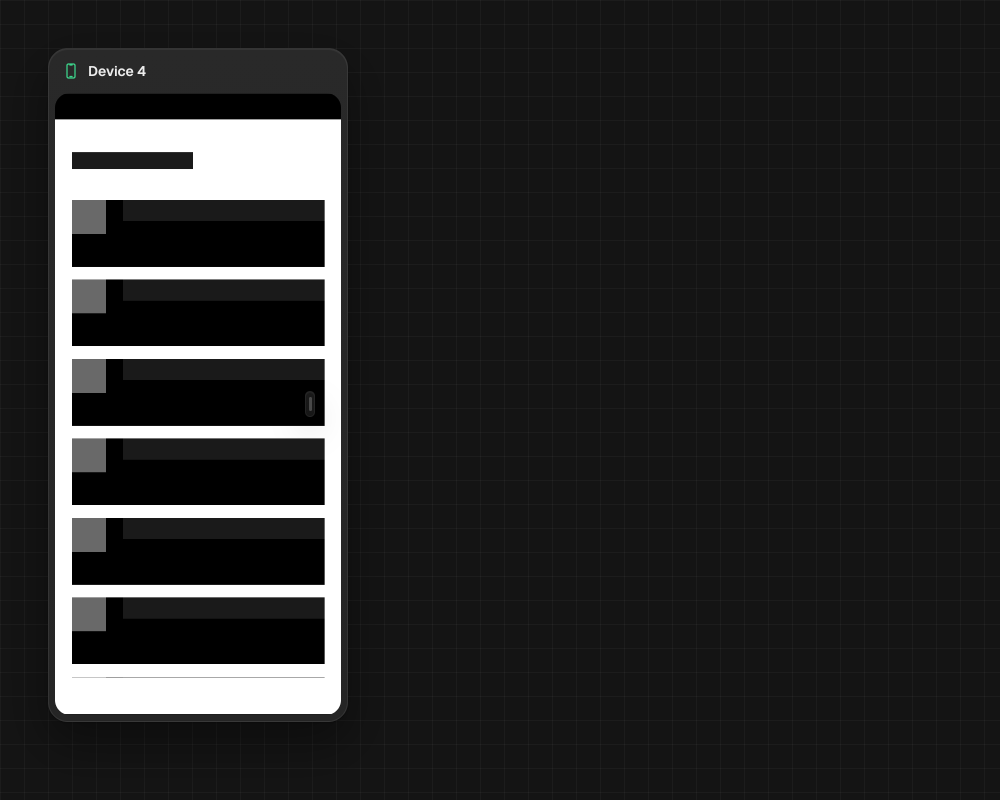
An Android device portal shows an emulator or attached device as a canvas node. You can use its controls yourself or connect an agent to run device commands.
Open an Android device
- Choose New device portal and place it on the canvas.
- Select a listed Android device or runtime in the setup sheet.
- Connect an agent terminal if it needs to inspect or control the device.
- Use
mao portal info,screenshot, orsnapshotto inspect the screen. Commands such asclick,swipe,type,button,launch,terminate,boot, andshutdowncontrol the device.
LimitMAO needs Android SDK tools or an attached device to list a target. Device frames stream while the portal is painted; an off-screen or collapsed portal stops streaming.
Something missing or wrong? Ask in the Discord or write to hello@miguer.com.